Why a water drop icon appears on Samsung phones and how to fix it safely
A water drop notification on Samsung devices indicates moisture inside the USB-C port. The manufacturer outlines safe drying methods and common mistakes to avoid.
 💼Economy
Photo: UNIAN
Key points
- The water drop icon temporarily disables wired charging due to port moisture.
- Using rice for drying is discouraged because of dust and starch hazards.
- Hot air from hair dryers can permanently damage internal components.
- Persistent alerts after 24 hours may indicate a sensor software glitch.
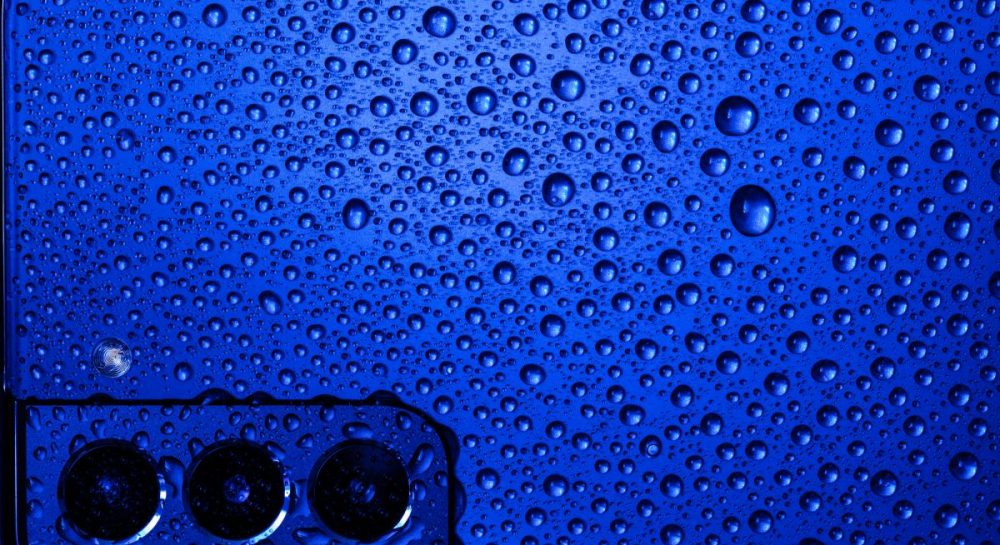
Samsung smartphone users occasionally encounter a warning icon showing a water droplet on their displays. This built-in security alert triggers when sensors detect moisture levels exceeding safety limits inside the USB-C charging port or internal structure. The primary goal of this feature is to prevent severe electrical damage and potential short circuits.
Understanding the protection mechanism
Although many Galaxy models feature high IP68 water resistance ratings, complete waterproofness is never guaranteed. Spilled beverages or high environmental humidity can still compromise internal electronics over time. Once the moisture detector activates, the system automatically disables wired charging for safety reasons. However, manufacturers note that wireless charging remains safe to use if the exterior of the device is completely dry.
Safe drying techniques and common myths
A widely popular myth suggests submerging a wet phone into a bowl of raw rice, but experts advise against this method due to its low efficiency and the high risk of introducing dust and starch into the port. Instead, users should follow a structured approach:
- Wipe the outer surface thoroughly with a soft, clean cloth.
- Gently shake the phone 5 to 10 times with the charging port facing downward.
- Place the device in a well-ventilated area or use a cool airflow from an electric fan.
Hot air from hair dryers must be avoided at all costs, as excessive heat can warp plastic components and damage the screen assembly. If the notification persists for more than 24 hours despite proper drying, the issue might stem from a software glitch requiring a USB cache reset.
Source UNIAN — unian.ua/techno/gadgets/samsung-blokuye-zaryadku-shcho-oznachaye-zn… ↗
Read next
 🇺🇦Ukraine
The Global Axis of Cooperation: How Russia, China, Iran, and North Korea Are Uniting Military Efforts
Analysts report deepening military and technical cooperation between Russia, China, Iran, and North Korea, posing new challenges to global security.
 🎭Culture & Sport
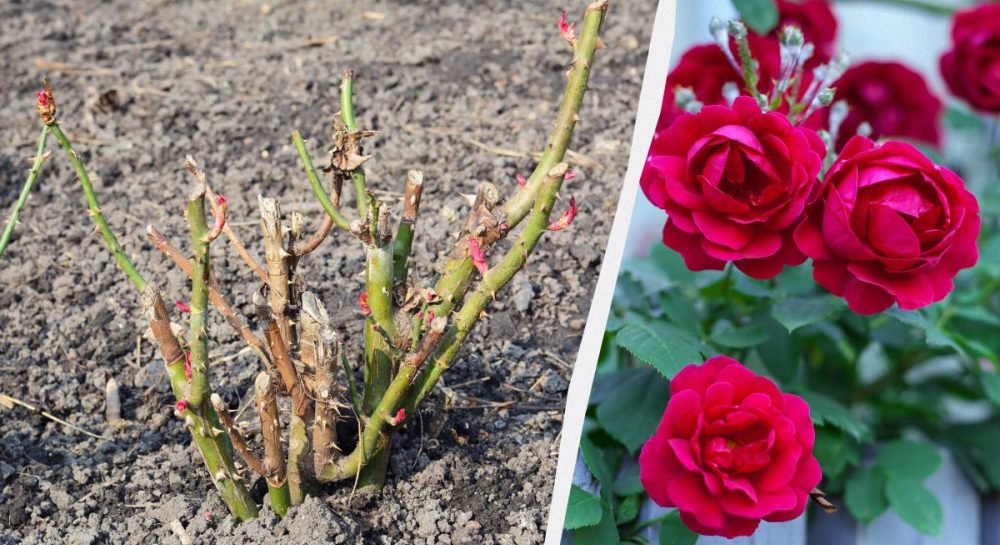
Autumn Rose Care: Tips for Zhmerinka Gardeners
Experts advise against rushing into radical rose pruning before the onset of steady frosts to avoid damaging the plants before winter.
 🇺🇦Ukraine
Tragedy in Dymer: 89-Year-Old Woman Rescued Alive as Death Toll Rises to Nine
Rescuers in Dymer, Kyiv region, pulled an elderly survivor from the ruins of a residential building hit by a drone, while the confirmed death toll has climbed to nine.
 🇺🇦Ukraine
Russian Corvette 'Merkury' Reportedly Damaged by Ukrainian Drones in Libya
A Russian naval vessel was reportedly hit by maritime drones in the Libyan port of Benghazi, causing significant damage and a fire. The incident highlights the expanding …
 🇺🇦Ukraine
Russia tests NATO defense algorithms through airspace violations, says Dmytro Kashchenko
The Russian Federation is systematically using incidents involving missiles and drones entering Alliance airspace to test the combat readiness of NATO member states.
 🏙️City
Scientists revive ancient bacteria from permafrost: climate implications
Researchers from the University of Colorado have successfully reactivated bacteria frozen for up to 40,000 years, raising concerns about greenhouse gas releases.