How to free up smartphone memory with a simple WhatsApp setting
A simple setting in WhatsApp will help smartphone owners free up gigabytes of storage by stopping the duplication of photos and videos in the gallery.
 💡Tech
Photo: UNIAN
Key points
- WhatsApp duplicates media files to the smartphone gallery
- Changing one setting stops the automatic duplication
- Built-in storage tool helps remove heavy files
- There are differences in how the feature works on Android and iOS
Modern smartphones often suffer from a lack of free space, and one of the hidden reasons for this is the operation of popular messengers. Specifically, the WhatsApp application by default not only saves received media files within chats but also automatically duplicates them directly into the device's standard gallery. As a result, regular photos, videos, and animations end up taking up twice as much space, gradually filling up the phone's memory.
How to disable saving and clean up storage
For users of iOS and Android devices, solving this problem begins with changing just a single parameter. It is enough to prevent the messenger from automatically exporting incoming media files to the system gallery. After this, images will remain exclusively within the chats, while the gallery will only display the user's own camera shots. It is worth remembering the technical difference between platforms: on Android, deleting a photo from the gallery can also delete it from the chat, whereas on iPhone, independent copies are created.
Additionally, the app itself features a special built-in tool for deep storage cleaning. By navigating to the storage management section through settings, users can quickly find and delete the heaviest files, some of which may exceed five or even one hundred megabytes in size. For Android gadget owners, an additional optimization method is regular cleaning of the application's system cache, where temporary thumbnails and remnants of viewed media accumulate.
Source UNIAN — unian.ua/techno/communications/yak-ochistiti-whatsapp-za-1-hvilinu-… ↗
Read next
 🏙️City
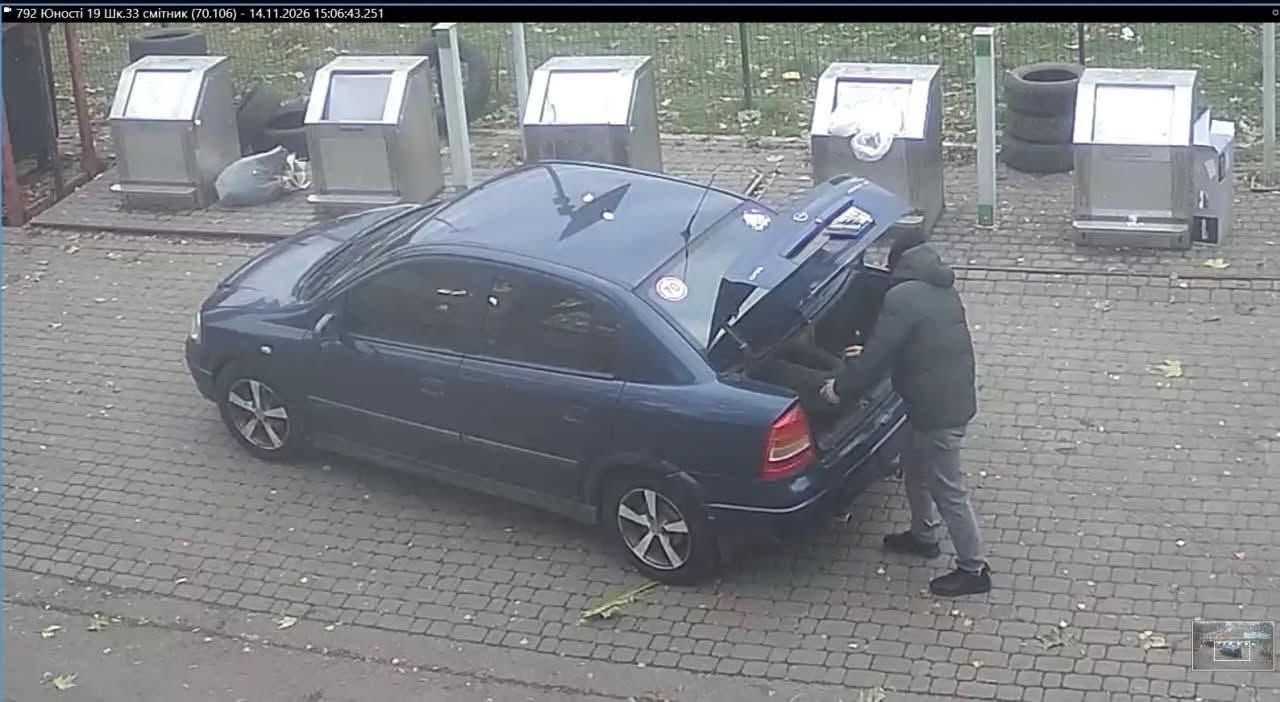
Resident fined in Vinnytsia for improper tire disposal: how to recycle properly
Municipal guards have issued a fine after car tires were found dumped near waste containers on Yunosti Avenue. Authorities remind citizens of proper disposal procedures.
 🏛️Politics
Deployment of Ruta Block 1 cruise missiles in operations against the Crimean Bridge
Ukraine has utilized European-made Ruta Block 1 cruise missiles to strike the Crimean Bridge, marking a significant development in defensive operations.
 🛡️Security
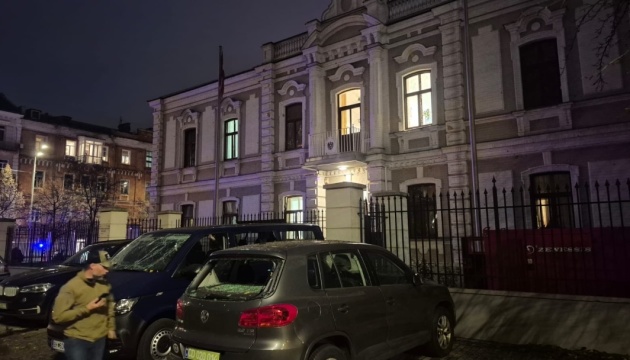
Austrian Embassy in Kyiv damaged by Russian attack
Ukrainian Foreign Minister Andrii Sybiha reported that the Austrian Embassy in Kyiv was damaged during a recent Russian strike.
 🚨Events
Two men to stand trial in Zhytomyr for brutal torture of a young woman
Prosecutors have completed an investigation into two men accused of torturing an 18-year-old woman with a gas torch.
 ⚽Sport
Myths about lying: how our eyes actually react during deception
A new study from Ulm University debunks the stereotype that liars avoid eye contact.
 🏛️Politics
Russian attack on Kyiv damages Austrian Embassy building
The Austrian diplomatic mission in Kyiv was damaged during a Russian aerial strike. No embassy staff were injured in the incident.